How to Reduce Residential Proxy Bandwidth Usage
Updated October 8, 2026
How to Reduce Residential Proxy Bandwidth Usage
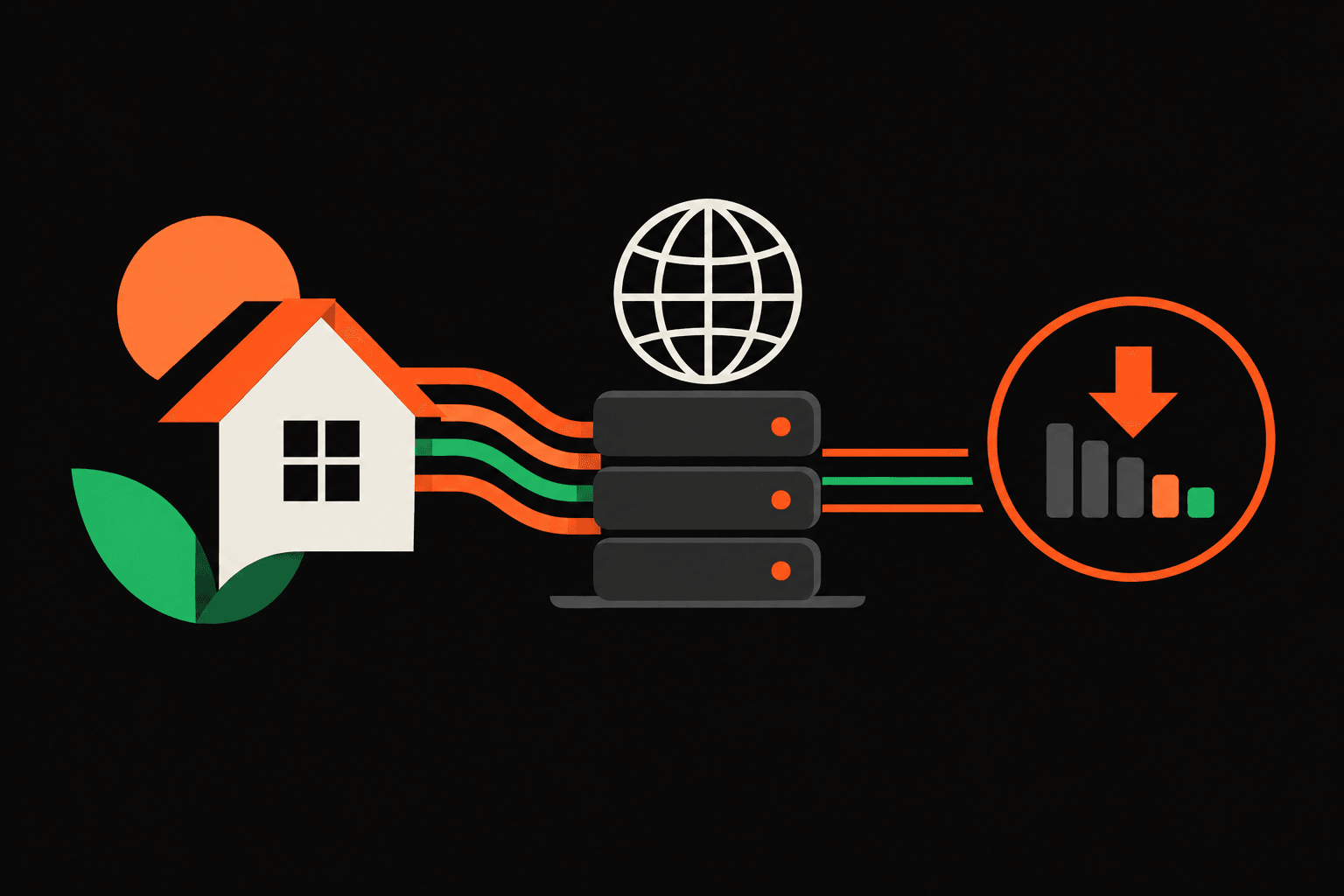
The browser's network log shows images, font files, and repeated page loads, although the task needs only a few text fields. For teams investigating how to reduce residential proxy bandwidth usage, the practical answer is to remove unnecessary requests, load fewer resources, cache eligible responses, use supported compression, and bound retries. Each change needs a repeatable test that checks both transferred bytes and successful results.
Broader latency and reliability questions belong in the residential proxy performance guide. Here, the decision is narrower: which transfers can disappear without making the required output incomplete or stale?
Establish how to reduce residential proxy bandwidth usage with a baseline
Request count alone is a poor bandwidth estimate. Small JSON responses and browser pages containing images, scripts, and media have very different transfer costs. Failed attempts also consume traffic without producing useful output.
Teams evaluating IP9's residential and mobile proxies should apply the same measurement discipline: separate workload efficiency from product selection and billing assumptions.
Define a successful result
Before measuring traffic, the team should specify which fields, page states, and freshness requirements make an output usable. A completed navigation isn't necessarily a successful result: an empty response or missing required field must count as a failure.
Record comparable measurements
- Use a fixed set of authorized URLs or tasks.
- Record outgoing and incoming bytes wherever the measurement tool supports them.
- Separate transferred bytes from decoded response sizes.
- Count successful results, failures, retries, and cache hits.
- Keep browser settings, concurrency, and test conditions consistent.
The primary efficiency metric is bandwidth per successful request, or per completed result when a task requires several requests. Divide total measured transfer, including failed attempts, by the number of successful outputs. Label the measurement source so that browser observations aren't mistaken for billing records.
IP9's residential proxy products include residential proxies with rotating IPs. Rotation isn't itself a bandwidth-saving mechanism; teams still need to measure the transfers generated by their workload.
Remove browser transfers the task doesn't need
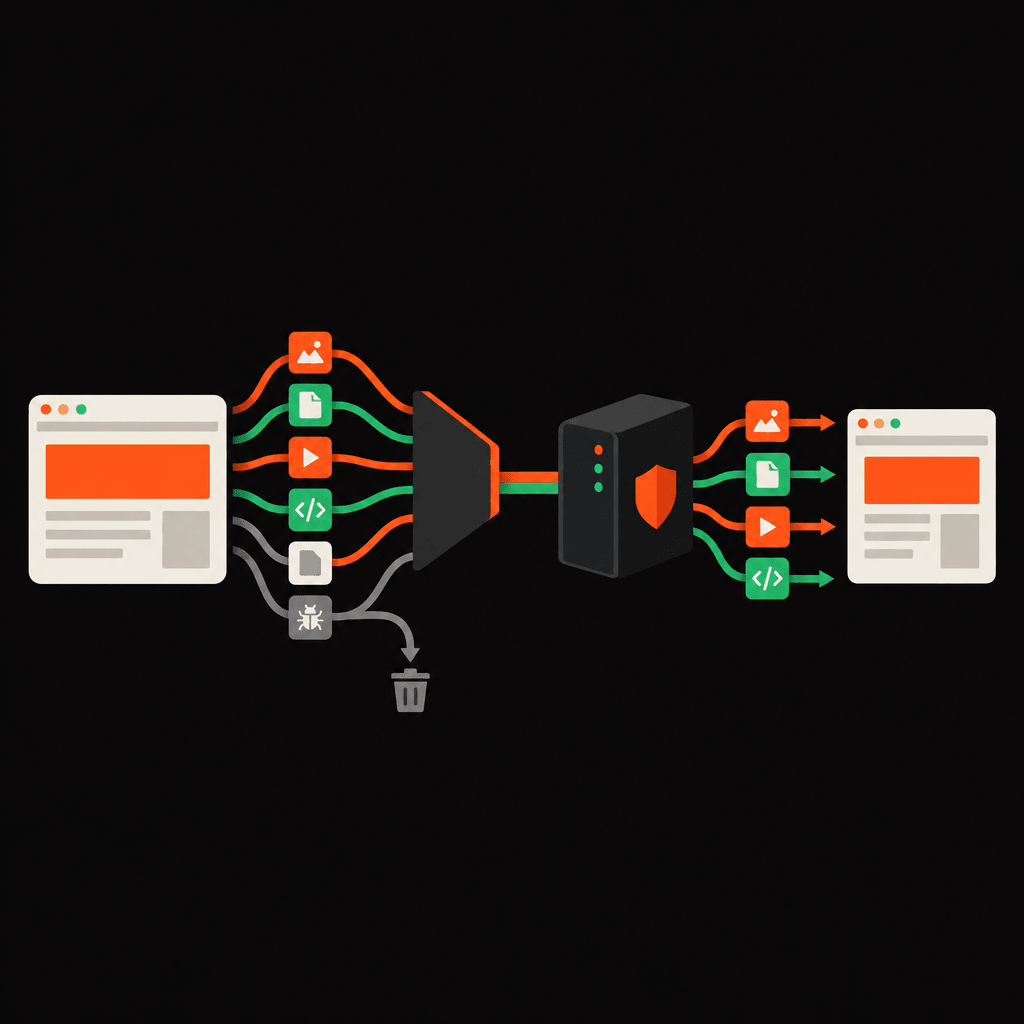
For a browser workflow, deciding how to reduce residential proxy bandwidth usage starts with the network waterfall. The largest avoidable resources often matter more than small changes to request headers.
Worked scenario: extracting approved text fields
Consider an authorized workflow that extracts product names and availability text. Its baseline loads the full page, including product photos, custom fonts, and video. Those resources are candidates for removal only if the required text and page behavior don't depend on them.
- The operator saves the baseline outputs and transfer measurements.
- The test configuration blocks image requests before they download.
- The same task runs again, with required fields checked against the baseline.
- Fonts and media are evaluated separately, using the same checks.
- Each accepted configuration is compared on bytes per successful result.
Hiding images with CSS isn't equivalent to preventing their download. And indiscriminate blocking can break lazy loading, layout-dependent controls, or scripts that populate the required content. A smaller transfer with missing availability text is a failed optimization.
| Candidate change | Acceptance check |
|---|---|
| Block images | Required fields and interactions still work. |
| Block fonts and media | Text remains accessible and task behavior is unchanged. |
| Replace rendering with direct HTTP | The authorized response contains equivalent required data. |
Direct HTTP requests can avoid the extra downloads associated with browser rendering. They fit only when the required data is available through an authorized response without the browser's execution environment. Switching methods must not bypass access controls.

Decide how to reduce residential proxy bandwidth usage through caching
Repeated downloads deserve a separate review. Before fetching a URL, the application can check whether an equivalent request is already in progress or whether an eligible cached response remains fresh.
Respect freshness and response identity
To cache repeated web requests safely, the cache must honor applicable response directives and distinguish responses by the inputs that affect them. URL alone may be insufficient: authentication, relevant request headers, and response variation can change the content.
- Honor
no-store; it prohibits storing the response. - Treat
no-cacheas requiring validation before reuse, not as permission for unrestricted reuse. - Keep private or personalized responses out of inappropriate shared caches.
- Use validators such as ETags when supported; validation still generates traffic.
- Keep cold-cache and warm-cache measurements separate.
Within a batch, duplicate work can also be consolidated before any transfer occurs. But requests with different credentials, freshness requirements, or meaningful parameters must remain distinct. Removing a query parameter merely because it looks unnecessary can return the wrong data.
Enable compression only where the client supports it
HTTP response compression can reduce transferred response size when the server supports it and the client can decode the selected format. The client should advertise only supported encodings through Accept-Encoding.
Decoded body size isn't compressed transfer size. Already-compressed resources may offer little additional savings, and smaller response transfers don't automatically establish lower billed usage. The test must check actual transfers and the provider's accounting rules.
Stop retries from downloading the same failure repeatedly
Teams deciding how to reduce residential proxy bandwidth usage should inspect retry behavior before increasing capacity. A retry can repeat a substantial transfer, especially when failure occurs after most of a response has arrived.
A retry policy should classify failures, cap attempts, and apply a bounded total retry duration. Permanent authorization or validation failures shouldn't enter an automatic retry loop. When a server provides applicable retry guidance, the client should respect it.
Retries also need an operation-safety check: repeating a request with side effects may create duplicate actions. Connection failures warrant diagnosis rather than blanket repetition; the proxy connection timeout guide helps teams investigate the failed stage.
Backoff can reduce request pressure, but it doesn't shrink a response. Its bandwidth benefit depends on preventing unnecessary attempts or avoiding failures that would otherwise trigger more downloads.
Validate savings against successful output and billed usage
Repeat the same authorized task
A useful test of how to reduce residential proxy bandwidth usage compares equivalent work, not simply smaller totals. The optimized run should use the same task set, success criteria, and measurement boundary as the baseline.
Proxy bandwidth monitoring should retain raw transfer totals alongside successful-result counts. If traffic falls because fewer tasks finish, the change hasn't demonstrated better efficiency. A change should survive output validation before wider deployment.
Keep billing verification separate
Client-observed transfer reflects what the chosen instrument measures. Provider-reported usage reflects the provider's accounting scope, timing, and rules. Browser instrumentation may omit uploads or connection overhead, so the two totals shouldn't be assumed identical.
Where provider usage reporting is available, the comparison should isolate the test from unrelated traffic and account for reporting delays. Any remaining discrepancy needs investigation before a cost-saving claim. The financial effect depends on the applicable plan; efficiency improvements don't always reduce an invoice.
Apply a deployment checklist before broader rollout
Any automation instructions require review against the full IP9 Acceptable Use Policy before publication. Authorized access and applicable website rules also remain requirements; lower bandwidth doesn't make an otherwise prohibited workflow acceptable.
- Required content, interactions, and freshness checks pass.
- Resource blocking has a tested rollback path.
- Cache behavior respects directives and response boundaries.
- Retries are bounded and safe for the operation.
- Transfer measurements identify their source and limitations.
- Billing claims have separate verification.
FAQ
Does how to reduce residential proxy bandwidth usage depend on the task?
Yes. A text extraction task may not need images, while visual verification does. Optimizations must preserve the actual success criteria.
Will rotating IPs reduce transferred data?
Rotation alone doesn't remove requests or shrink responses. Its effect must be measured without assuming a traffic or billing reduction.
Should every script be blocked?
No. Scripts may generate required content or support necessary interactions. Each blocking rule needs an output check.
Can a cache hit still generate proxy traffic?
Yes. Revalidation can require a network request. A fresh, reusable cached response may avoid that transfer, subject to applicable cache rules.
The next action for a team evaluating how to reduce residential proxy bandwidth usage is a controlled baseline run. Before configuring it, the implementation owner should consult IP9's Quick Start documentation, verify current connection details and client behavior, and record transfer totals alongside validated results.