Residential Proxy Connection Timeout: Diagnose and Fix It
Updated October 8, 2026
Residential Proxy Connection Timeout: Diagnose and Fix It
For broader measurement and benchmarking guidance, see Residential Proxy Performance: The Complete Guide.
Identifying the residential proxy connection timeout stage
The last successful event in the client log determines the next check. A timeout isn't proof of an IP block, and connection refusal is a different failure from waiting until a deadline expires.
The following proxy timeout diagnostic checklist maps observable symptoms to focused actions. Client terminology varies, so the full error message matters more than a dashboard label.
| Symptom | Check | Matching action |
|---|---|---|
| Gateway hostname doesn't resolve | DNS resolution from the failing runtime | Correct the hostname or investigate its configured resolver. |
| No connection to the gateway | Endpoint, port, routing, and outbound firewall rules | Correct configuration or request a narrowly scoped firewall change. |
| Explicit authentication rejection | Provider authentication requirements | Correct authentication rather than extending deadlines. |
| Tunnel or TLS negotiation stalls | Last completed handshake event | Verify proxy scheme and inspect relevant TLS errors. |
| Connection succeeds, response stalls | Response timing against an authorized control endpoint | Investigate the destination or response deadline. |
Connection deadline versus response deadline
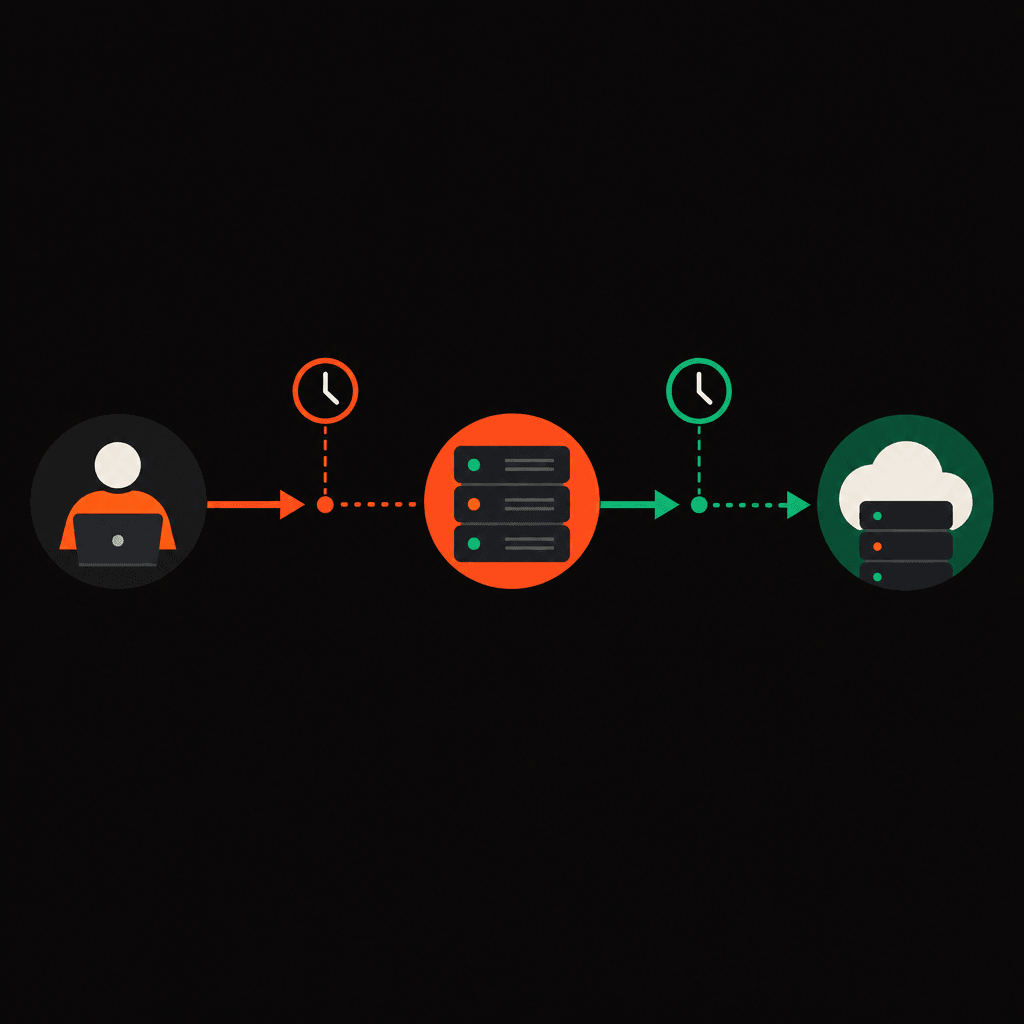
The practical distinction in proxy connect timeout vs read timeout is whether setup completed. A connection deadline governs setup; a read timeout generally governs waiting for response data after connection establishment. Exact semantics depend on the client, and a total request deadline can interrupt either stage.
The fix should follow the last successful step, not the word "timeout."
Running controlled checks without hiding the cause
A useful reproduction changes only one variable per test. Repeating a residential proxy connection timeout with several new settings at once makes the result difficult to interpret.
- Verify configuration. The configured gateway hostname, port, proxy scheme, and authentication method must match provider documentation. Destination HTTPS doesn't automatically mean the proxy gateway uses an HTTPS scheme.
- Check the failing environment. DNS and firewall inspection should run from the same container, server, or workstation as the failed request. A successful laptop test doesn't establish server connectivity.
- Choose an authorized control. A small endpoint under the operator's control helps separate destination-specific trouble from gateway failures.
- Record the outcome. The endpoint, client configuration, last completed stage, and elapsed time should remain attached to each test.
When testing IP9 residential proxies, provider-specific configuration should be confirmed rather than inferred from another service's examples.
Minimal curl proxy timeout troubleshooting
This single-request example assumes an HTTP proxy gateway confirmed by provider documentation. The hostnames and port are placeholders; the shell variables require positive timeout values selected for the application's approved test budget. Authentication should use the client's approved secure configuration, not credentials pasted into shared commands.
curl --verbose \
  --proxy "http://PROXY_HOST:PROXY_PORT" \
  --connect-timeout "$CONNECT_TIMEOUT_SECONDS" \
  --max-time "$TOTAL_TIMEOUT_SECONDS" \
  --output /dev/null \
  "https://AUTHORIZED_TEST_HOST/"
In curl, the connection timeout includes DNS and connection handshakes. The maximum time covers the entire operation; it isn't a separate read timeout. Verbose output can expose sensitive details and needs redaction before sharing.
Any extension into repeated or automated testing requires review against the full Acceptable Use Policy before publication or execution. This example doesn't establish permission for broader automation.
Applying the matching residential proxy connection timeout fix
Configuration and network corrections come before longer waiting limits. Provider-specific endpoint and authentication details should be verified through IP9's Quick Start documentation.
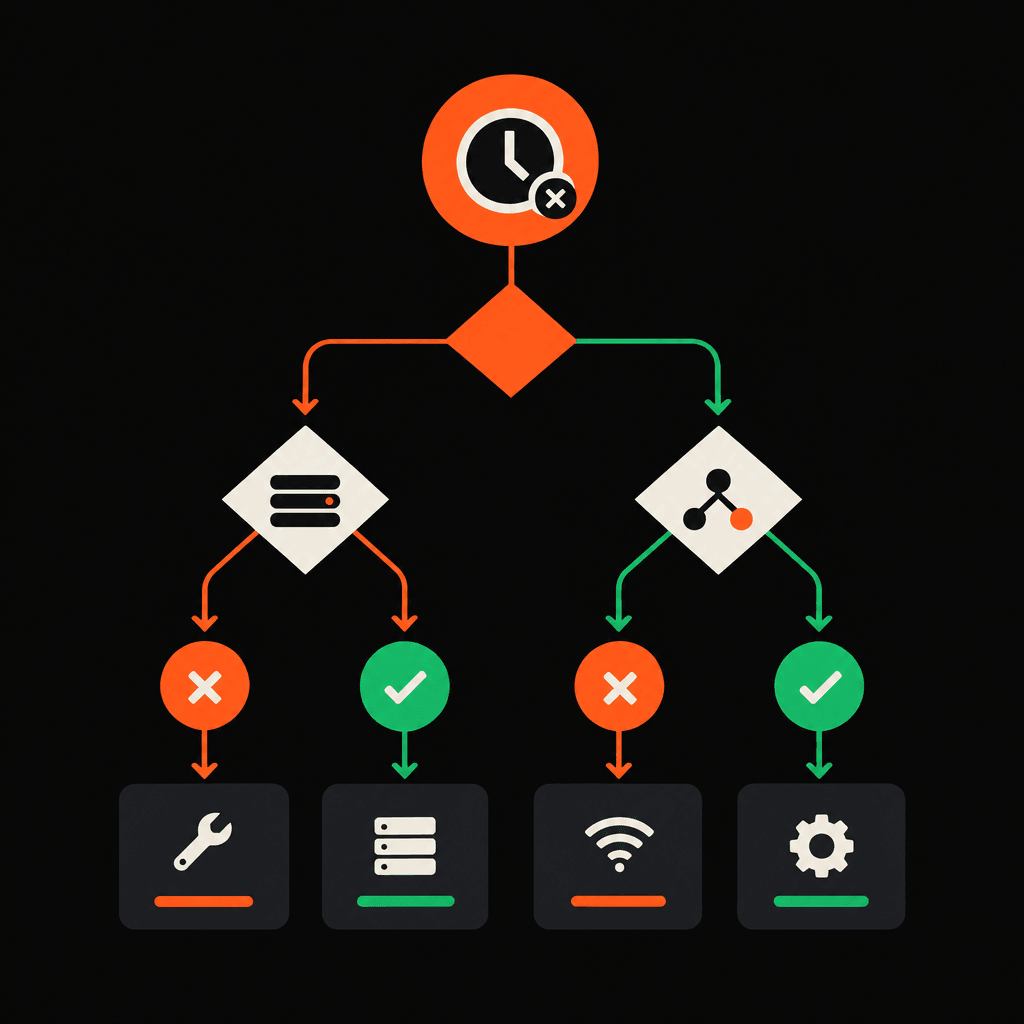
- DNS failure: A proxy DNS timeout calls for checking gateway spelling, resolver reachability, and resolution inside the actual runtime. Hardcoding an address can mask rather than resolve the underlying problem.
- Gateway connection failure: A network administrator should inspect outbound access to the documented endpoint and port. Broad firewall disablement isn't an appropriate diagnostic fix.
- Handshake stall: The proxy scheme and trust configuration need verification. Disabling certificate validation isn't a production remedy.
- Response stall: If the control endpoint works but the destination stalls, testing should stop while destination behavior and access permission are reviewed.
Residential proxy timeout settings should reflect observed successful requests and the application's deadline. If a legitimate request narrowly exceeds its budget, a controlled adjustment can test that hypothesis. Raising every deadline or adding retries conceals which stage failed.
Collecting escalation details and stopping unproductive tests
A reproducible failure is more useful than a large unfiltered log. Escalation of a residential proxy connection timeout should include:
- The exact client error, client version, and runtime environment.
- The timestamp and time zone.
- The proxy endpoint, port, and scheme without credentials.
- Configured connection, read, and total deadlines, where applicable.
- The last completed stage and redacted reproduction steps.
- Control-endpoint results and the single variable changed per test.
Passwords, tokens, authorization headers, cookies, and sensitive request data must be excluded. Review proxy bandwidth reduction techniques for ways to cut unnecessary traffic and verify billed usage separately. Testing should stop when authentication remains ambiguous, known-good clients repeatedly time out, or retries would exceed documented limits.
FAQ
Does a residential proxy connection timeout mean the IP is blocked?
No. DNS delays, connectivity failures, handshake stalls, and destination delays can produce similar symptoms. A timeout alone doesn't establish blocking.
Is an explicit HTTP error a timeout?
No. An HTTP response shows that a responding component returned a status. The response and its source require separate investigation.
Should every timeout value increase together?
No. A change should target the identified stage and remain within the application's overall deadline.
A residential proxy connection timeout needs stage-specific evidence.