Residential Proxy Authentication: Verify Connection Setup
Updated November 23, 2026
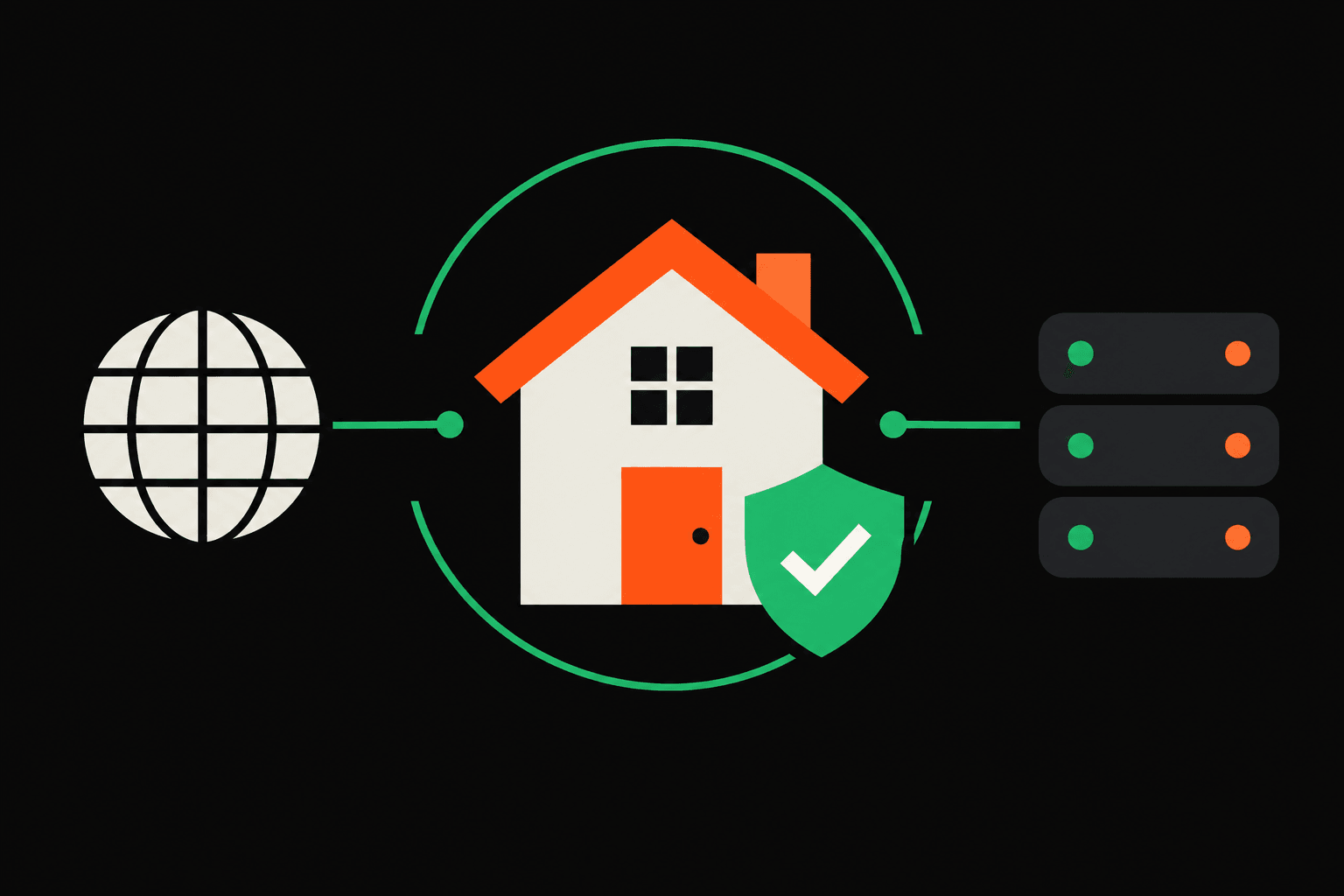
Residential Proxy Authentication: Verify Your Connection Setup
For provider-selection decisions, the guide to choosing rotating residential proxies covers requirements beyond connection verification.
Confirm the supported residential proxy authentication method
The provider's setup instructions determine which authentication method applies. Username/password credentials and source-IP allowlisting are common approaches, but neither should be assumed available for a particular product or account.
- Username/password: The client supplies credentials intended for proxy access. Dashboard login details may be separate, so a working dashboard login doesn't prove the proxy credentials are correct.
- Source-IP allowlisting: The service checks the connection's public source address against an approved list. A changed office, home, or cloud public IP can invalidate a previously matching entry.
For a deployment using IP9's residential proxies, the current Quick Start instructions should establish the applicable setup requirements rather than assumptions drawn from another provider.
Source IP: The public address the proxy service sees when the client connects.
Exit IP: The address the destination sees when the proxy forwards the request.
For the wider request-to-exit sequence, the companion article How Rotating Residential Proxies Work: Request to Exit IP provides the next reference.

Collect verified connection settings before testing
A residential proxy authentication check is only meaningful when the endpoint, protocol, port, and client settings match the provider's instructions. An old configuration copied from another environment can mix valid credentials with the wrong connection details.
This proxy authentication checklist identifies where each value needs verification:
- Protocol: The provider's documentation must identify the supported proxy protocol; the destination URL alone doesn't determine it.
- Endpoint: The hostname must match the account-specific connection instructions or current dashboard configuration.
- Port: The documented port must match the selected protocol and endpoint, with outbound access permitted by the client's network.
- Authentication requirements: The account instructions must confirm the credential format or approved source address, including any documented account-specific requirements.
- Account status: The dashboard should confirm active service and satisfaction of any applicable traffic allowances or account requirements.
- Client configuration: The client's documentation should confirm how proxy settings apply to the actual request, including environment settings and bypass rules.
For billing estimates rather than connection diagnosis, Residential Proxy Pricing addresses monthly budgeting separately.
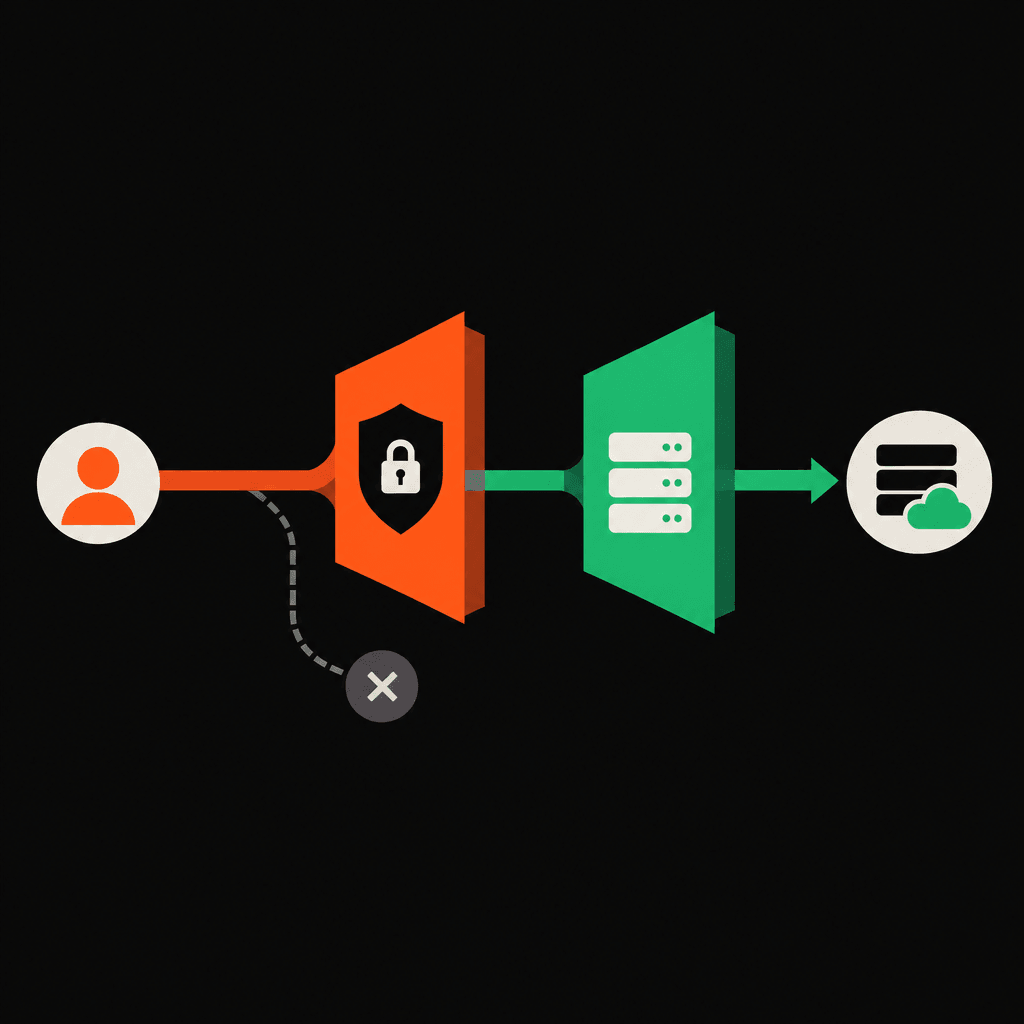
Test residential proxy authentication with one manual request
The initial test should use an endpoint the operator controls or is authorized to access, preferably one that reports the connecting public IP. A destination with unrelated access restrictions makes a poor first diagnostic target.
- Establish the expected source address. The operator identifies the client's current public egress address from the same environment that will send the request, especially when allowlisting applies.
- Apply the verified settings. The client uses the documented endpoint, port, protocol, and authentication method. Bypass rules must not route the test directly.
- Send a manual request. The test uses the selected authorized endpoint without automatic retries that could obscure the initial failure.
- Record a sanitized result. The diagnostic record captures the time, client version, endpoint hostname and port, response status or error, and reported connecting IP. Passwords, authorization headers, and credential-bearing URLs stay out of shared records.
- Compare the observed route. An IP-check request through the proxy should report the proxy exit IP rather than the client's direct public IP. A successful response alone doesn't establish that routing occurred through the proxy.
For command syntax and credential handling, curl proxy authentication examples provide the separate client-specific reference.
And before publishing any automation tutorial derived from this test, the publisher must review the full Acceptable Use Policy, including its permitted-use, prohibited-use, and responsible-automation requirements.
Identify the failure layer before changing credentials
A residential proxy authentication failure is one possible cause of a rejected request, not the default explanation for every error. The decisive distinction is which component responded and how far the connection progressed.
| Symptom | Meaning | Next check |
|---|---|---|
| HTTP 407 | A proxy authentication challenge. | Verify the required method and whether the client supplied valid proxy credentials. |
| HTTP 403 | A refusal whose source must be identified. | Inspect sanitized headers, response content, and available logs to determine whether the proxy, destination, or intermediary produced it. |
| DNS error | Name resolution failed; authentication failure isn't established. | Identify whether the unresolved name belongs to the proxy endpoint or destination. |
| TLS failure | A secure connection failed; credentials aren't necessarily responsible. | Check the failing connection stage, protocol configuration, and certificate validation. |
| Timeout | A connection stage didn't complete. | Check DNS, firewall permissions, port access, and protocol compatibility. |
Persistent delays belong in the residential proxy timeout guide once the failed stage has been identified.
FAQ
When is residential proxy authentication verified?
When the documented authentication requirements are satisfied and a successful authorized test confirms proxy routing. That result verifies the tested setup, not access to every destination.
What should happen after an allowlisted source address changes?
The operator should verify the new public egress address and update the approved entry through the provider's documented process. Any documented propagation delay should be considered before retesting.
What if the proxy test succeeds but the intended destination refuses access?
The next investigation should focus on the refusing component and its access requirements. Proxy authorization doesn't grant permission to access a destination or bypass its restrictions.
At the next residential proxy authentication check, the operator should revalidate the source address, account requirements, connection settings, and observed exit IP before investigating destination access.