Proxy for Website Localization Testing: A Practical QA Guide
Updated November 18, 2026

Proxy for Website Localization Testing: A Practical QA Guide
A common misconception is that changing an IP address changes every location setting in a browser. A proxy for website localization testing changes the apparent network origin, enabling checks of IP-based regional behavior. It doesn't independently change browser language, account preferences, cookies, or device geolocation. Those signals need separate controls.
For teams testing websites they own or are authorized to test, the goal is a repeatable result, not simply a foreign-looking page. Separating connection failures from application behavior matters; the residential proxy performance guide provides context for evaluating the connection itself.
Define what a proxy for website localization testing should change
Before selecting infrastructure, QA needs an agreed signal hierarchy. A site might use IP geography to suggest a market, browser language to select text, and an explicit account preference to override both. Without documented precedence, conflicting results are difficult to classify.
| Signal | What it can influence | How QA controls it |
|---|---|---|
| Proxy exit IP | IP-based regional routing and content | Select and verify the exit geography |
| Browser language | Preferred language and locale-sensitive presentation | Configure the browser separately |
| Stored preferences and device location | Saved market choices or permission-based location behavior | Control cookies, accounts, permissions, and device settings |
The product owner should define which signal wins when they disagree. For example, an explicitly selected market might persist after a network change. That is an illustrative acceptance rule, not a universal expectation.
Website localization QA also extends beyond translation: regional pricing, taxes, shipping, payment methods, checkout, app links, and legal content can all require market-specific checks.
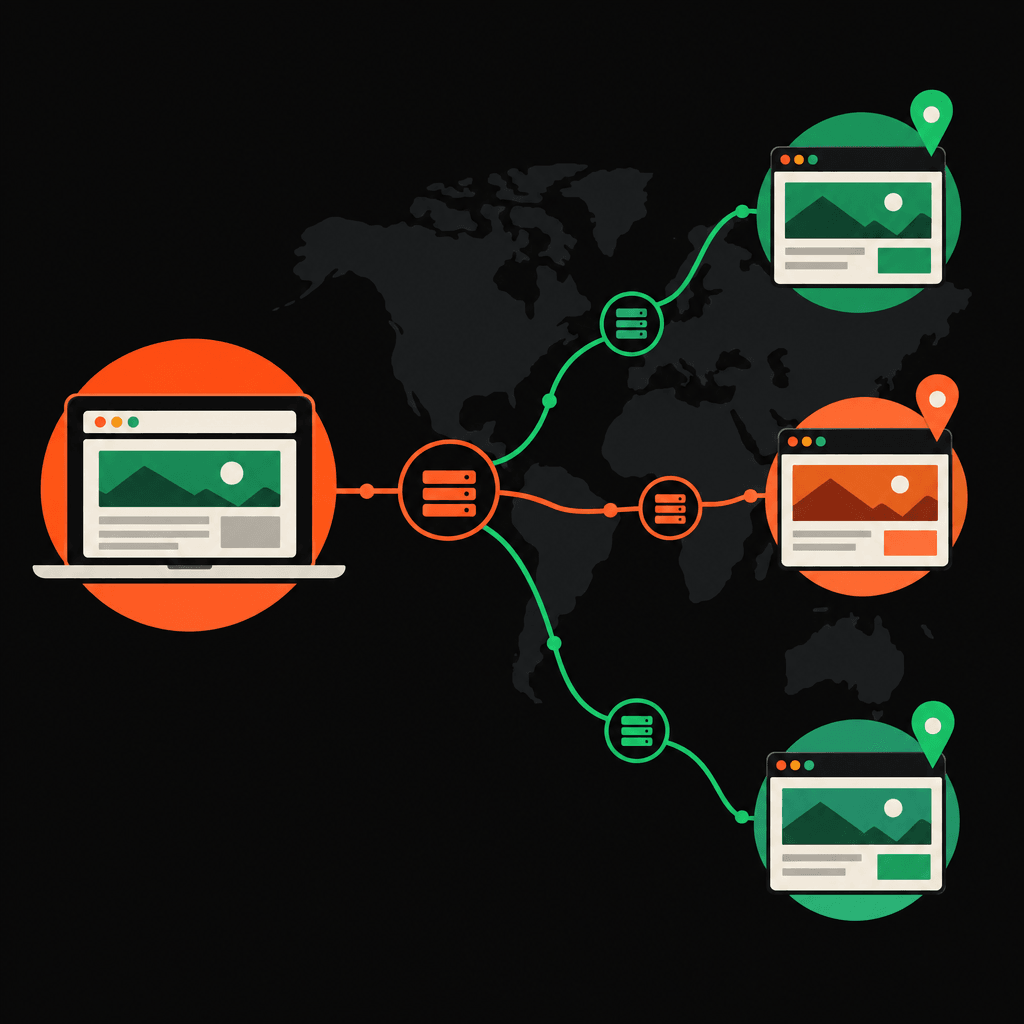
Establish a baseline and verify the exit location
A proxy for website localization testing is useful only when the requested geography and the geography observed during the test are recorded separately.
Capture the direct-connection baseline
The tester starts with a dedicated browser profile and records the build, starting URL, browser version, language settings, account state, cookies, and device-location permission. Screenshots and network evidence should capture the initial response and final destination.
A direct connection provides a comparison point. It doesn't establish the correct regional behavior by itself; approved product requirements do that.
Select suitable, available coverage
Residential proxies suit broad country- and city-level checks, while mobile proxies help investigate carrier-sensitive and mobile-first experiences. Neither category guarantees that a provider offers the required location.
For example, IP9's enterprise proxies include residential and mobile offerings. Teams should confirm available locations before promising market coverage in a QA plan.
IP9 offers residential proxies with rotating IPs. Testers should confirm rotation behavior and record whether the observed exit changes during a multi-page journey rather than assume it stays fixed.
When carrier-sensitive behavior is part of the requirement, the mobile proxy performance guide helps frame connection measurements separately from localization assertions.
Verify through the same browser session
The browser should connect through the selected proxy before checking its public exit IP and reported geography using an approved verification endpoint. Application or edge logs can then reveal the geography the website actually used.
Those observations may disagree. An independent lookup verifies what that lookup reports; it doesn't prove the application uses the same geographic mapping.

Build a controlled matrix for a proxy for website localization testing
Each case should start in an isolated browser session unless retained preferences are the variable under test. Browser language and cookies belong in separate fields, not a combined “locale” label.
The following localization test checklist uses illustrative US and Canadian scenarios. Coverage must be confirmed, and expected outcomes must be replaced with approved application rules before execution.
| Check | Requested exit | Browser language | Cookies | Expected behavior to approve |
|---|---|---|---|---|
| Regional redirect | Canada | English (US) | Fresh | Canadian market destination if IP-based routing is required |
| Language selection | Canada | French (Canada) | Fresh | French text if browser language takes precedence |
| Currency display | Canada | English (US) | Saved US market | US dollars if explicit market selection overrides IP |
| Content availability | United States | French (Canada) | Fresh | US-market content regardless of language, if required |
For every row, the tester records observed geography, response status, final URL, displayed language, currency, and evidence references. Then a paired run changes only one variable. Changing language, cookies, and exit location together makes causal diagnosis unreliable.
Device geolocation remains denied or fixed unless it is explicitly part of the case. Account state also stays constant. In multilingual website testing, translated text should be checked alongside formatting, navigation, and checkout continuity.
Why does the page still show the original region?
A saved preference, account setting, browser language, device-location signal, cached response, or mismatched geographic lookup may be overriding the new exit IP.
A proxy for website localization testing cannot settle those conflicts alone. The investigation should follow the application's documented precedence rules:
- Verify the route: confirm that the affected browser session actually uses the selected exit.
- Remove retained state: repeat in a fresh profile, then deliberately restore the saved preference.
- Separate language: hold the exit constant while changing only browser language.
- Inspect application decisions: compare edge geography, redirect responses, and final-page content.
- Check caching: investigate whether regional responses are being reused across markets.
And a connection error isn't a localization defect. When proxy authentication fails, the proxy authentication troubleshooting guide helps separate proxy credentials from destination-server authentication.
If the page never loads, the residential proxy timeout guide supports diagnosing the failed connection stage before anyone files a translation or routing bug.
Turn regional failures into reproducible bug reports
“Wrong currency in Canada” doesn't give engineering enough context. A useful report ties the observed result to a specific build, signal combination, and approved expectation.
A reusable report template can capture:
- Identity: build, environment, market, test-case identifier, and execution time.
- Network: requested geography, observed exit IP and geography, application-detected region, and any exit changes.
- Browser state: browser version, language, cookie state, account market, and geolocation permission.
- Expected behavior: the approved rule and its requirement reference.
- Observed behavior: response status, final URL, language, currency, and content availability.
- Reproduction: starting conditions, navigation sequence, preference changes, and repeat outcome.
- Evidence: screenshots, sanitized network captures, and relevant log references.
Bug reports should exclude proxy passwords, session tokens, and unnecessary personal data. Failure classification should distinguish connection, geographic mapping, preference precedence, rendering, and checkout issues so the right owner can investigate.
Set release criteria before expanding coverage
A proxy for website localization testing should support a release decision, not merely produce screenshots from different places. Acceptance criteria need to specify the required markets, signal combinations, user journeys, and handling of unresolved failures.
Risk determines tolerance. A checkout currency defect can justify blocking release even when a lower-priority marketing issue has an approved exception. Universal success percentages obscure that distinction.
Efficiency changes also need validation. The residential bandwidth reduction guide is relevant when repeated runs consume unnecessary traffic, but blocking resources must not remove assets or integrations that the case is meant to verify.
FAQ
Can a proxy for website localization testing change browser language?
No. It changes the apparent network origin. Browser language needs separate configuration, and stored preferences may still override the site's initial language selection.
Does an exit-country lookup prove the website detected that country?
No. The website may use a different geographic mapping. Application or edge logs provide stronger evidence of the region used for its decision.
Should every test use fresh cookies?
Fresh cookies help establish clean-state behavior. Separate retained-state cases should verify whether explicit market selections persist according to product requirements.
Is IP-based localization testing enough to approve checkout?
No. Checkout also needs authorized checks of regional pricing, taxes, shipping, payment methods, and the consistency of currency and market selection throughout the journey.
The QA owner should select one release-critical regional redirect, document its signal-precedence rule, and run a clean-session baseline followed by a verified regional connection using a proxy for website localization testing. Both results should be attached to the release ticket before coverage expands.