Node JS Proxy Setup: Authenticated HTTPS Requests With Fetch
Updated November 10, 2026
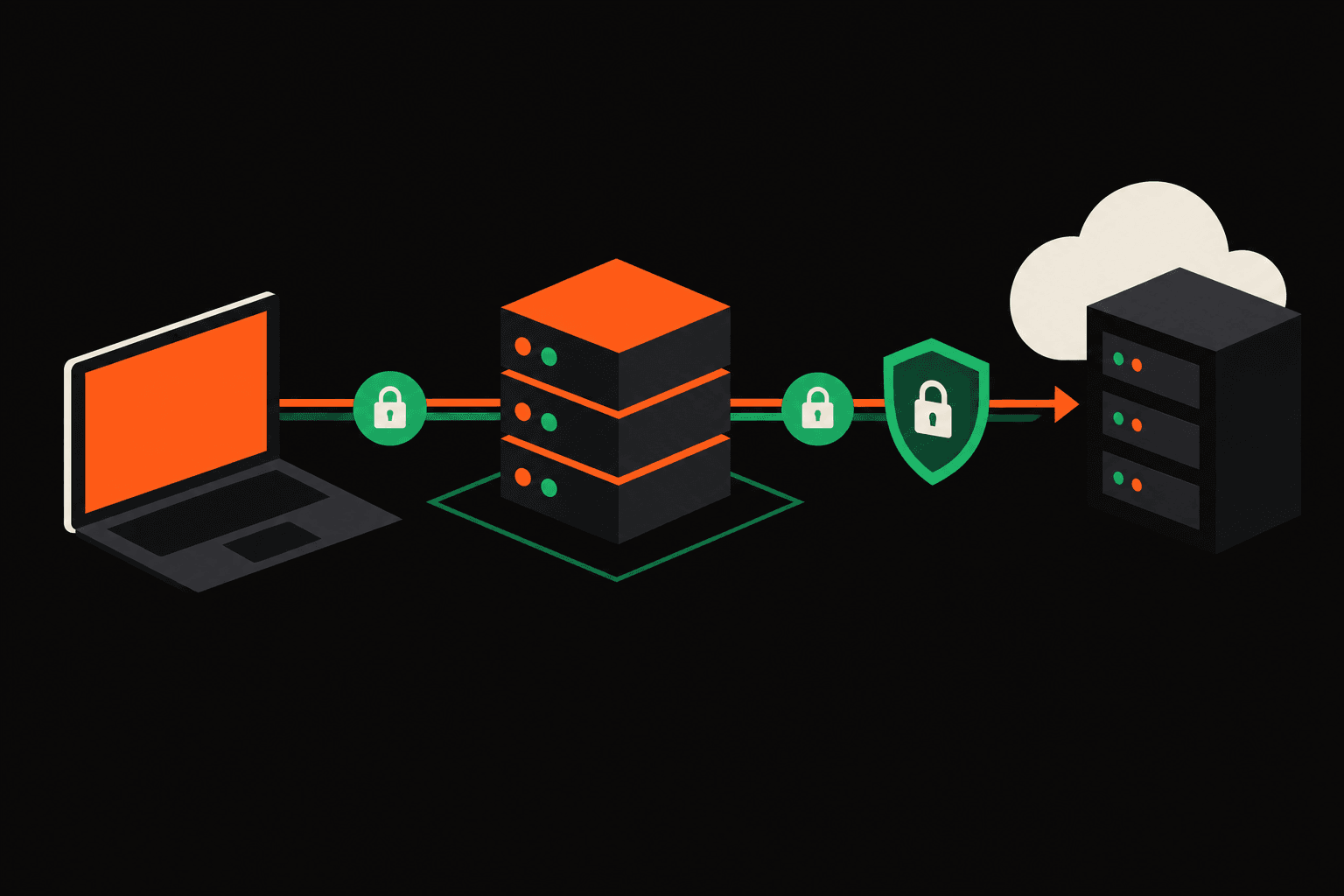
Node JS Proxy Setup: Authenticated HTTPS Requests With Fetch
For credential syntax and authentication failures, the curl proxy authentication guide provides the companion reference.
Check prerequisites for node js proxy setup
This configuration sends outbound requests; it doesn't build a proxy server. It requires an HTTP proxy that supports CONNECT and Basic proxy authentication, valid credentials, and an HTTPS diagnostic endpoint operated by the development team.
The example targets Node.js 22 with Undici 6 and imports fetch from that package, keeping fetch and ProxyAgent on the same dependency line. These commands expose the actual runtime, package engine requirements, and installed version; the deployment must satisfy those requirements.
node --version
npm view undici@6 engines
npm install undici@6
npm ls undici
The generated lockfile should be committed, with production installation using npm ci. Built-in Node.js fetch uses its bundled Undici version, so its behavior shouldn't be inferred from an independently installed package.
Teams considering IP9's residential and mobile proxies can consult the proxy Quick Start documentation to confirm endpoint details and authentication requirements before applying this generic example.
Keep node js proxy setup explicit
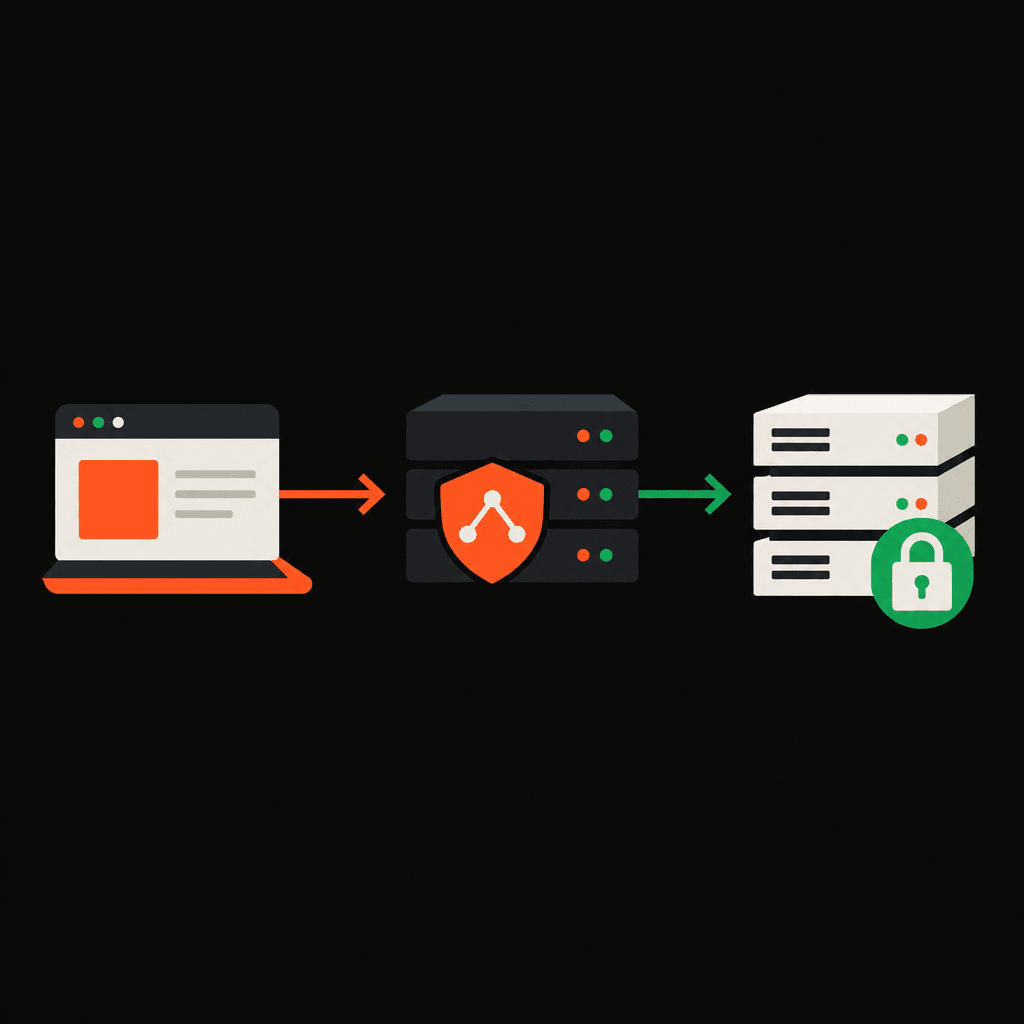
In this node js proxy setup, environment variables provide inputs, while application code configures routing. Defining HTTP_PROXY or HTTPS_PROXY alone doesn't necessarily configure the selected runtime and client. The example reads named variables and passes a fetch proxy dispatcher explicitly.
The following shell values are illustrative placeholders. Deployment secrets should come from a secret manager or protected environment injection, rather than committed files or commands containing live credentials.
export PROXY_URL='http://proxy.example.com:8080'
export PROXY_USERNAME='proxy-user'
export PROXY_PASSWORD='replace-with-proxy-secret'
export TARGET_URL='https://diagnostics.example.com/proxy-check'
export REQUEST_TIMEOUT_MS='10000'
The target must be replaced with an authorized endpoint. The sample timeout is a configurable request deadline, not a provider limit. An optional ORIGIN_TOKEN supplies a bearer token only when the destination requires one.
Save this as proxy-fetch.mjs, then run node proxy-fetch.mjs.
import { fetch, ProxyAgent } from 'undici';

function required(name) {
  const value = process.env[name];
  if (!value) throw new Error(`Missing ${name}`);
  return value;
}

const proxy = new URL(required('PROXY_URL'));
const target = new URL(required('TARGET_URL'));
const timeoutMs = Number(required('REQUEST_TIMEOUT_MS'));

if (proxy.protocol !== 'http:') {
  throw new Error('PROXY_URL must use http: for this example');
}
if (proxy.username || proxy.password) {
  throw new Error('Supply proxy credentials separately');
}
if (target.protocol !== 'https:') {
  throw new Error('TARGET_URL must use https:');
}
if (!Number.isSafeInteger(timeoutMs) || timeoutMs <= 0) {
  throw new Error('REQUEST_TIMEOUT_MS must be a positive integer');
}

const username = required('PROXY_USERNAME');
const password = required('PROXY_PASSWORD');
if (username.includes(':')) {
  throw new Error('Basic authentication usernames cannot contain a colon');
}

const dispatcher = new ProxyAgent({
  uri: proxy.href,
  token: `Basic ${Buffer.from(`${username}:${password}`).toString('base64')}`
});

const headers = {};
if (process.env.ORIGIN_TOKEN) {
  headers.authorization = `Bearer ${process.env.ORIGIN_TOKEN}`;
}

let completed = false;
try {
  const response = await fetch(target, {
    dispatcher,
    headers,
    redirect: 'error',
    signal: AbortSignal.timeout(timeoutMs)
  });

  await response.text();
  console.log({ status: response.status });
  completed = true;
} catch (error) {
  console.error({
    name: error.name,
    causeCode: error.cause?.code
  });
  process.exitCode = 1;
} finally {
  if (completed) await dispatcher.close();
  else await dispatcher.destroy();
}
ProxyAgent sends its token during CONNECT, rather than through destination request headers. After the tunnel opens, TLS protects communication with the HTTPS origin. But Basic credentials sent to a plain HTTP proxy aren't encrypted on that first hop; a trusted, protected path to the proxy is essential.

Verify routing at the controlled HTTPS endpoint
A successful HTTP status doesn't prove proxy routing.
The diagnostic endpoint should record the connection's source address and a nonsecret request identifier. A direct baseline request and a proxied request can then be compared in server logs. Where a load balancer terminates connections, verification belongs at that trusted edge; arbitrary forwarded headers aren't reliable evidence.
- If the observed address matches the expected proxy egress, then routing has supporting evidence.
- If the direct and proxied addresses match, then dispatcher use and network topology need investigation.
- If the exit address changes between requests, then provider rotation behavior needs confirmation before treating the change as a fault.
The request-to-exit IP explanation helps distinguish the configured proxy gateway from the address visible to the destination.
Diagnose failures without weakening TLS
Troubleshooting node js proxy setup should isolate routing, connectivity, and certificate validation before changing credentials or deadlines.
Requests bypass the configured proxy
The actual fetch invocation must receive the dispatcher. A wrapper that drops that option, or a different HTTP client, needs separate configuration. A Node-style agent option isn't interchangeable with Undici's dispatcher.
Connections fail or time out
Check proxy hostname resolution, port reachability, and firewall rules. The example's abort signal bounds the request and body read; it isn't a dedicated connection-only timer. The proxy connection timeout diagnostics explain how to isolate the failed stage before extending deadlines.
Certificate validation fails
Check the destination hostname, system clock, and certificate chain. An approved private CA requires deliberate trust configuration. Disabling certificate verification or setting NODE_TLS_REJECT_UNAUTHORIZED to zero isn't an acceptable fix.
FAQ
Does node js proxy setup require a global dispatcher?
No. A per-request dispatcher confines routing to selected calls. Long-running services can reuse an agent and close it during shutdown rather than after every request.
Why isn't Proxy-Authorization included in headers?
Those headers belong to the destination request. ProxyAgent manages tunnel authentication separately, avoiding accidental disclosure to the origin.
Can the example handle large responses?
The text method buffers the body, so this diagnostic endpoint should return a small response. Production downloads should stream the body with cancellation and resource limits.
Keep node js proxy setup explicit.