Postman Proxy Configuration for Authenticated Requests
Updated November 16, 2026
Postman Proxy Configuration for Authenticated Requests
For an independent command-line check, the curl proxy authentication guide covers credential syntax and deeper HTTP 407 diagnostics. Postman's request-level Authorization settings remain separate from the credentials used to access the proxy.
Prerequisites for postman proxy configuration
The developer needs the installed Postman desktop app, the provider's proxy connection details, and an endpoint authorized for testing. Interface wording can vary by release and operating system; the relevant controls are in Settings under Proxy, rather than a request's Authorization tab.
For a service such as IP9's residential and mobile proxies, connection details should come from the account's setup instructions or Quick Start. A dashboard address isn't necessarily a proxy gateway, and a website login isn't necessarily a proxy password.
| Proxy field | Example placeholder | Required value |
|---|---|---|
| Server address | PROXY_HOST | The provider-issued gateway hostname, without credentials or a URL path. |
| Port | PROXY_PORT | The provider-issued proxy listening port. |
| Username | PROXY_USERNAME | The complete proxy username, including any required provider-specific suffix. |
| Password | PROXY_PASSWORD | The proxy password, entered in its dedicated field. |
These uppercase values are placeholders, not working connection details. The proxy protocol must also match the provider's instructions; an HTTPS destination doesn't automatically mean that the connection to the proxy uses HTTPS.
Configure the desktop proxy and authentication
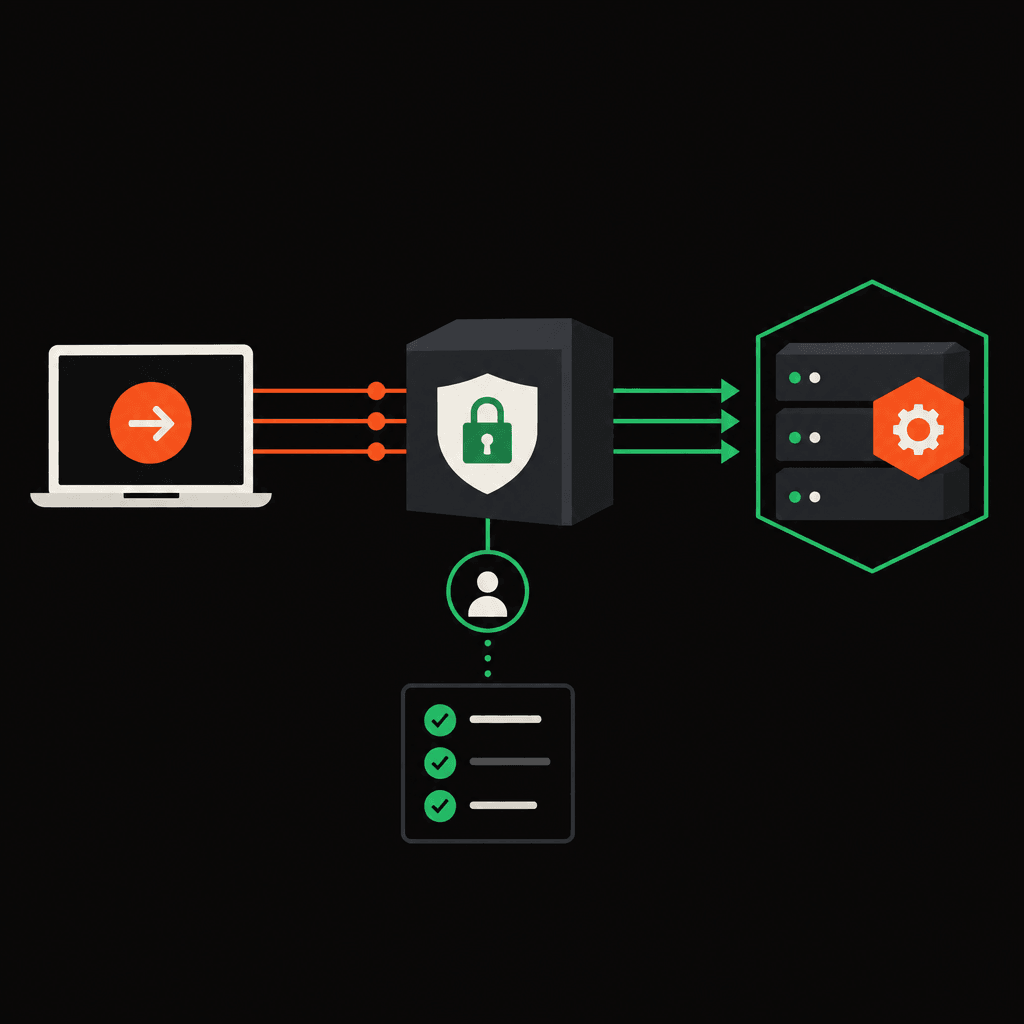
A predictable postman proxy configuration uses one intentional routing source. During a controlled test, an explicit custom proxy is easier to inspect than a mixture of application settings, operating-system settings, and inherited environment variables.
- Open the proxy controls. In the desktop app, the developer opens Settings, then Proxy, and locates the custom proxy configuration controls.
- Remove competing routing sources. The system-proxy option is disabled for this test. If the installed version offers an option to respect proxy environment variables, that option is disabled too. Any bypass list is checked for the test hostname.
- Enable the custom configuration. The selected proxy protocol, server address, and port are set to the provider-issued values. The host field contains only the hostname when a separate port field is available.
- Enable proxy authentication. PROXY_USERNAME and PROXY_PASSWORD are entered in the dedicated proxy authentication fields. A password copied from a connection URL may contain percent-encoding; the separate password field needs the actual password rather than URL-escaped text.
- Apply the settings. Any save or apply control shown by that version is used before a fresh request is sent.
Postman system proxy settings depend on the operating system and its network configuration. On a managed workstation, required corporate routing shouldn't be disabled without approval; the network administrator should confirm whether the intended proxy is reachable through that environment.
Keep API credentials separate
A destination API's bearer token or other authentication belongs in that request's Authorization configuration. The Postman proxy username and password belong in the proxy controls, not in a manually added destination Authorization header.
And proxy credentials shouldn't be embedded in the destination URL or test payload. Screenshots, console output, and support attachments should be checked for secrets before sharing.
Verify postman proxy configuration with server-side evidence
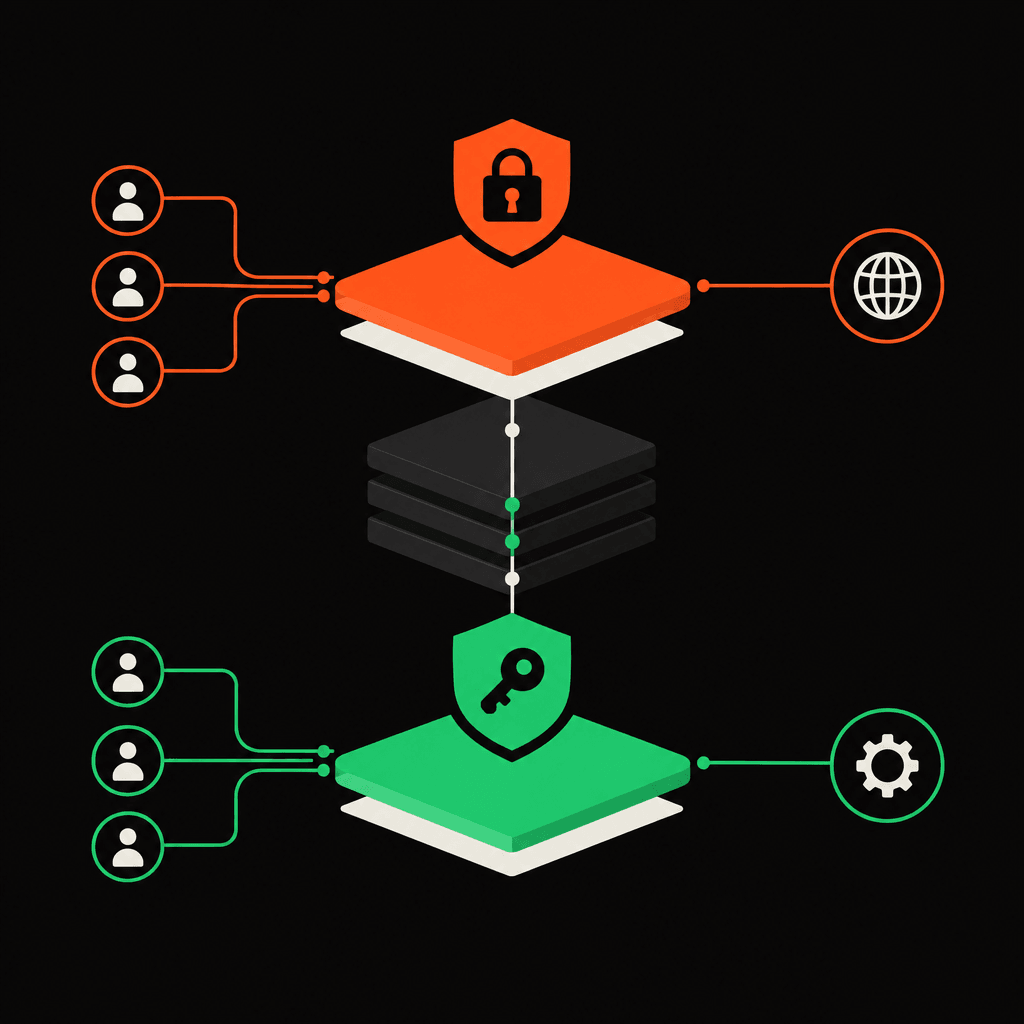
A Postman proxy connection test should use an HTTPS endpoint controlled by the team. That endpoint needs access logs or a diagnostic response that records the connection's source address.
- Establish a baseline. Where network policy permits, a direct request establishes the source address normally observed without the custom proxy.
- Send a distinguishable test. With the proxy enabled, a fresh request includes a harmless, unique correlation value so the server log entry can be matched to that attempt.
- Inspect the receiving connection. The server-observed source is compared with the baseline and available proxy-side evidence. A client-supplied forwarding header isn't proof of routing.
- Account for intermediaries. If a load balancer or CDN receives the connection first, its trusted access logs are needed; the application's immediate peer may only be that intermediary.
A changed address supports the routing check but doesn't independently establish the provider or exit location. With rotating services, repeated requests also needn't share an exit address; the explanation of residential proxy request routing describes that distinction.
Troubleshoot the failed request by symptom
Postman proxy troubleshooting works best when only one setting changes between attempts. A postman proxy configuration that appears correct still needs separate checks for routing, proxy authentication, and destination authentication.
HTTP 407 or destination authentication errors
HTTP 407 indicates that proxy authentication is required or wasn't accepted. The developer checks whether proxy authentication is enabled, whether the complete username was preserved, and whether the provider requires an authentication method supported by the client.
A destination HTTP 401 or 403 requires inspection of the response origin and API permissions instead. Replacing the proxy password won't repair an expired destination token.
Timeouts, certificate errors, or unchanged routing
For timeouts, the host, port, protocol, firewall path, and gateway reachability should be checked before increasing timeouts. The proxy connection timeout guide helps isolate the failing stage.
Certificate failures call for inspection of trust settings and any authorized TLS interception, rather than disabling certificate verification as a permanent fix. Unchanged routing calls for another check of bypass rules, system settings, environment-variable handling, and the server log source.
FAQ
Does postman proxy configuration apply to the web app too?
This procedure targets the desktop app. Browser-based Postman workflows involve an agent or another execution environment, so desktop routing assumptions shouldn't be carried over without separate verification.
Should special characters in the proxy password be URL-encoded?
Dedicated credential fields normally take the actual password. URL encoding applies when credentials are embedded in URL syntax, which this configuration avoids.
Is a successful API response enough to confirm the proxy?
No. A direct connection or bypassed destination can also return a successful response. The receiving connection's source and a matching test request provide the necessary routing evidence.
A reliable postman proxy configuration keeps proxy credentials separate, avoids competing routing settings, and produces observable server-side evidence. The most common mistake remains treating a successful response as proof that the proxy was used.